01
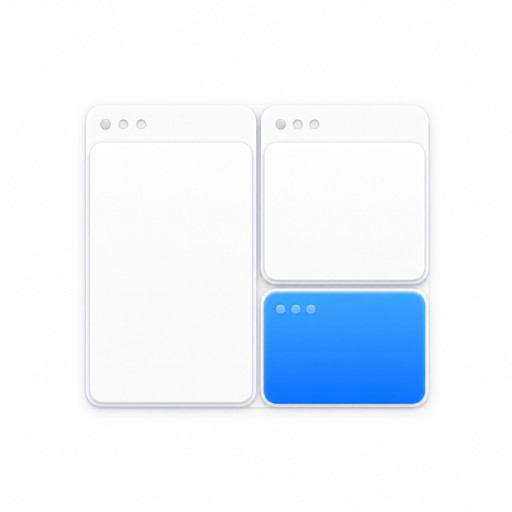
Save the whole workspace.
Apps, folders, files, web links and ordinary app windows become one focused setup.
Open your apps, files, folders and links—then put every window back where it belongs.
Capture the setup you already use. Snapset remembers what should open, where each window belongs and which display it lives on.
Apps, folders, files, web links and ordinary app windows become one focused setup.
Snapset opens every enabled item and restores available windows without one failure stopping the rest.
Saved windows follow the closest matching display and stay reachable when your setup changes.
Snapset uses Accessibility access only to read and restore window size and position. It does not upload your apps, files, window titles or layouts.
No subscription, account or usage tracking. Purchase once and activate Snapset on up to three Macs.
 Download for macOS→Already purchased? Get version 1.0 ↓Standard price · Secure checkout by Polar
Purchase Snapset through Polar, download the signed DMG, drag Snapset to Applications, then activate it with the license key Polar emails after checkout.
Apps, files, folders, web links, window size and position, and the display each saved window belongs to.
No. Workspace items, file paths, window titles and layouts stay on your Mac. There is no account or cloud workspace storage.
macOS requires Accessibility permission before an app can read and restore another app’s window position and size. Launching items still works without it.
Yes. Snapset records display details, matches the closest available display and keeps restored windows reachable when your setup changes.
No. Snapset is a one-time purchase with lifetime access and updates released for this version of the product.
A Snapset Lifetime license can be active on up to three Macs. You can deactivate a Mac inside the app or from the Polar customer portal.
Download for macOS$14.99Already have a license? Get version 1.0 ↓