 Souva
To build a morning routine without your phone, take the phone out of the first 30 minutes of your day: charge it away from your bed, use Sleep Focus and a Screen Time schedule so it stays quiet, and replace the first scroll with one fixed action, like water and daylight. Start with two steps, not ten.
Most people reach for the phone before their feet touch the floor. A morning routine without your phone is not about willpower at 6:30 a.m. It is about setting things up the night before, so the easy choice is the one you want.
This guide covers what the evidence says, seven steps, a sample morning and the free iPhone settings that do most of the work. Setting paths are for iOS 27 as of November 2026, with iOS 26 notes where Apple renamed things.
How many people check their phone first thing?
84.6% of US adults say they check their phone within 10 minutes of waking up.
Reviews.org survey of about 1,000 US adults, published January 2026That number has gone up, not down: the same survey found 80.6% a year earlier. Millennials were highest at 87.3%, and even Gen Z, the group that checks least, came in at 77.4%. About half of people (49.5%) said they sleep with their phone.
Keep in mind this is an online poll, not a lab study. But it matches what most of us know: the phone is the first thing we touch and the last thing we put down.
Is checking your phone right after waking actually bad?
Here is the honest answer: we could not find a study that tracks people who check their phone in the first few minutes after waking and compares them with people who don't. Claims like "it spikes your cortisol" usually have no source. What does exist is research on the habits a first check pulls you into.
- Checking less often lowers stress. In a study of 124 adults, people who checked email only three times a day for a week felt less daily stress than in a week of unlimited checking (Kushlev and Dunn, 2015). They also found the limit hard to keep.
- Batching notifications helps. In a field experiment with 237 people, getting notifications in three batches a day made people feel more attentive, more productive, in a better mood and more in control of their phones. Turning notifications off entirely raised anxiety and fear of missing out (Fitz and others, 2019).
- Daylight matters. In more than 400,000 UK Biobank adults, each extra hour spent outside in daylight was linked with easier getting up, less tiredness, fewer insomnia symptoms and better mood (Burns and others, 2021). It is an observational study, so it shows a link, not proof.
Put together, the case is simple. A first scroll hands your morning to other people's messages, and it keeps you indoors and in bed. Swapping it for a few minutes of light and one planned task is low cost and has real evidence behind its parts.
Why does a phone-free morning start the night before?
If your phone is on the pillow at midnight, it will be in your hand at 7. Evening screens also affect how you sleep.
In a small lab study, 12 adults read for about four hours before bed on a light-emitting eReader or a printed book. After the eReader they took about 10 minutes longer to fall asleep, their evening melatonin was suppressed by about 55%, and they felt sleepier the next morning (Chang and others, 2015).
Four hours of reading is more than most people do, so don't read too much into the exact numbers.
The practical lesson holds: a quieter last hour makes for an easier first hour.
How do you build a morning routine without your phone?
These steps go from easiest to hardest. Do the first two this week. Add one more each week after that.
- Charge your phone outside the bedroom. Or at least across the room. Distance beats discipline: if you have to stand up to reach it, you are already out of bed.
- Use a real alarm clock, or move the phone alarm. A basic alarm clock removes the reason to touch the phone. If you keep the iPhone alarm, put the phone on a dresser and turn off Snooze in Clock > Alarms > Change > Alarm Options.
- Set a sleep schedule with Sleep Focus. It silences notifications overnight and can start a wind down period before bed. Paths are in the next section.
- Decide your first phone time. Write it down: "No phone until 7:30" or "no phone until after breakfast". A clear rule is easier to keep than "less phone".
- Pick one first action. Drink a glass of water and open the curtains, or step outside for five minutes. One thing, the same thing, every day.
- Put the morning's tools somewhere else. A paper notebook for your to-do list, a book on the table, a printed calendar on the fridge. Every job the phone does in the morning is a reason to pick it up.
- Batch your first check. When you do open the phone, open messages and calendar on purpose, then put it down. Leave email and feeds for later.
A sample 30-minute morning without your phone
This is a starting point, not a rule. Move the blocks around, but keep the phone at the end.
| Time | What you do | Why |
|---|---|---|
| 0:00 | Get up to turn off the alarm on the far side of the room | You are out of bed before you can think about it |
| 0:02 | Glass of water, open the curtains | A fixed first action replaces the first scroll |
| 0:05 | Wash up, get dressed, make the bed | Easy wins that need no screen |
| 0:10 | Ten minutes outside: a short walk, or stretch by a window | Daylight early in the day is linked with better sleep and mood |
| 0:20 | Coffee or breakfast with no screen, write your top three tasks on paper | You set your agenda before anyone else does |
| 0:30 | First phone check: messages and calendar only | One planned check, not an open-ended scroll |
Short on time? Keep three parts: the alarm away from the bed, two minutes of light, and the 30-minute phone rule. That is enough to change how the day starts.
Which free iPhone settings help?
Your iPhone already has the basics, and they cost nothing. Set them up once.
Sleep schedule and Sleep Focus
- Open Health, tap Browse > Sleep, then tap Sleep again and Get Started. Set your bedtime, wake-up time and alarm.
- Add a wind down period: in Health > Browse > Sleep, scroll to Your Schedule > Full Schedule & Options > Wind Down. Apple lets you pick from 15 minutes to 3 hours before bedtime, and Sleep Focus starts when wind down starts.
- Choose who can reach you: Settings › Focus › Sleep › People. Add family, or anyone who might call in an emergency.
A Screen Time schedule for the morning
Sleep Focus ends when you wake up. To keep apps closed for your first 30 minutes too, use Screen Time.
- iOS 27: Settings › Screen Time › Screen Time Schedule, turn on Schedule, then Add Schedule. Create a time window like "Morning" from your wake time to 30 minutes later, and choose which app categories stay available.
- iOS 26 and earlier: Settings › Screen Time › Downtime › Scheduled. Set it to end 30 minutes after you wake up and turn on Block at Downtime.
- Either way, keep Phone, Messages and maps in Always Allowed. iOS 27 renamed these tools: Downtime is now Screen Time Schedule and App Limits is now Time Allowances (Settings › Screen Time › Time Allowances).
Quieter notifications
Go to Settings › Notifications › Scheduled Summary and set your first summary for after your phone-free window. Then turn off Allow Notifications for apps that never need to reach you right away. For more on this, see our guide to reducing screen time on iPhone.
The weak point of all of these: you can turn them off with a few taps, and a sleepy brain is good at finding reasons. That is where an app with stricter locks can help.
Where NoMercy fits
Souva makes NoMercy, an iPhone app that joins habit plans with an app lock. It is built on Apple's Screen Time, and it helps with three parts of a phone-free morning.
The Morning First plan
When you set up NoMercy, you tell it when you wake up, when you go to sleep and what you want to change, and it suggests a plan. Morning First is one of its ready plans. Plans run for 14, 21, 30 or 66 days, and new habits arrive as the plan moves on, so you don't start with ten habits on day one.
Each habit is a card on the Today screen; tap Done when you finish it. A day counts toward your streak when you finish half of that day's habits, and two Streak Freezes a week cover a missed day.
The night lock
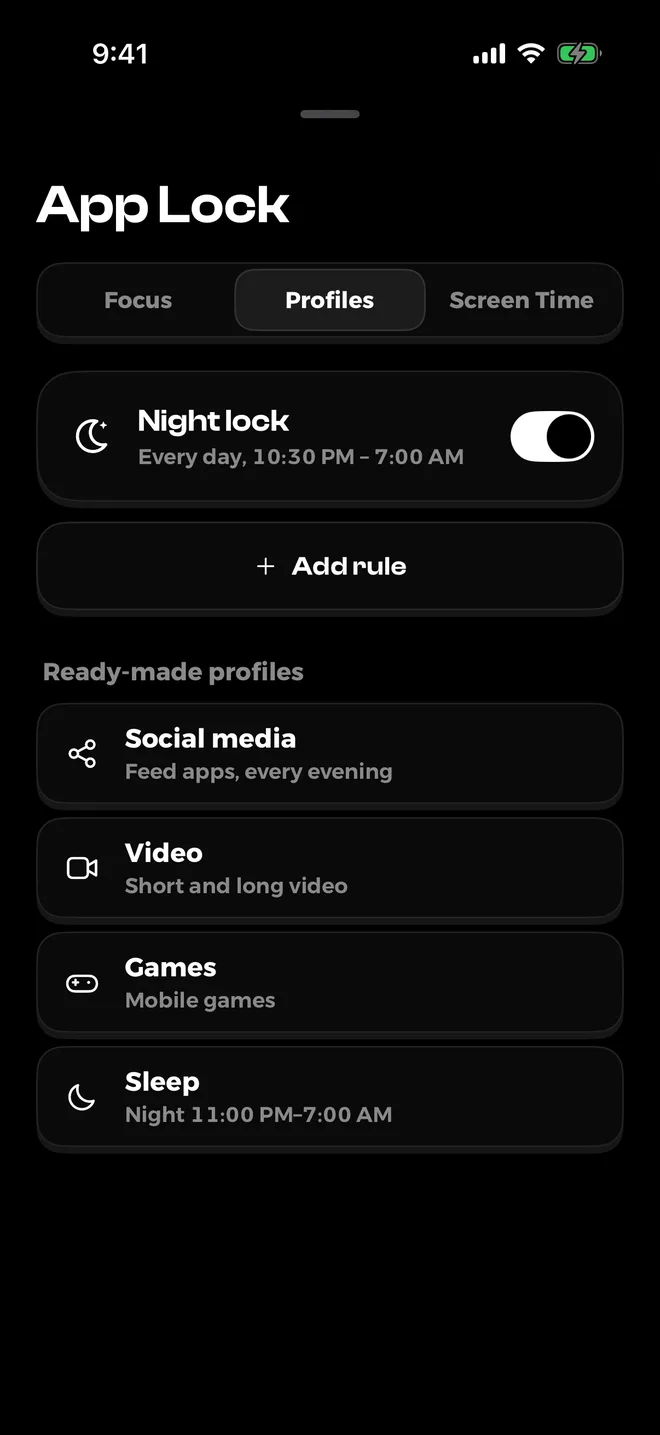
The night lock is free. It is set from your sleep and wake times, and it locks the apps you choose overnight, so the 2 a.m. scroll and the 6 a.m. scroll both hit a wall. You can also add locks that run at hours you pick, using ready profiles for social media, video, games and sleep.
The "Until it's done" lock
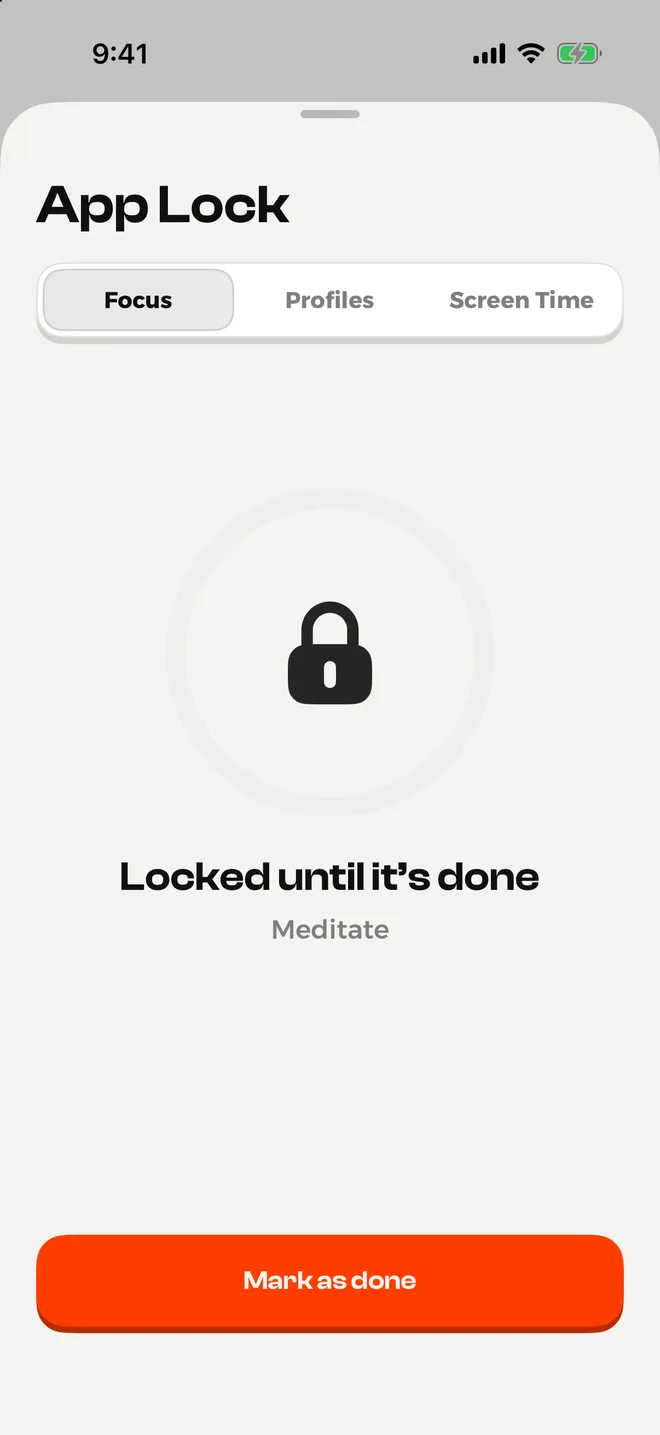
This is the one built for mornings. Pick the apps that eat your first hour, pick a habit, and those apps stay locked until you mark the habit done. Lock Instagram until you have walked outside for ten minutes, or lock email until you have written your three tasks on paper.
What's free and what's not: the free version includes the night lock, focus sessions, up to 3 of your own habits and 3 tries of the "Until it's done" lock. Plans like Morning First, unlimited lock profiles and "Until it's done" any time need Premium: $3.99 a week, $6.99 a month, $29.99 a year with a free trial, or $59.99 once (US prices, November 2026).
It needs iOS 18.6 or later, there is no sync between devices, and like any Screen Time based blocker, you can remove its permission in Settings.
It makes the easy choice easier; it doesn't make the choice for you.
Get NoMercy on the App StoreYour phone-free morning checklist
Run through this once tonight. Every item takes under five minutes.
- Charger moved out of the bedroom, or to the far side of it
- Alarm clock set, or iPhone alarm set with Snooze off
- Sleep schedule and wind down set in Health
- Sleep Focus allows calls from the people who matter
- Screen Time schedule or Downtime ends 30 minutes after you wake
- Scheduled Summary set for after your first phone time
- Glass and water ready, notebook and pen on the table
- Your first phone time written down
- Optional: NoMercy night lock on, and one "Until it's done" lock for the morning
How do you make it stick?
Expect to slip. A missed morning is not a failed routine; it is one morning. A few things help:
- Track it. A simple mark on a calendar, or a habit card in an app, turns "I think I did better" into something you can see.
- Plan for the hard days. Travel, a sick child or an early meeting will break the pattern. Decide now what the smallest version is: alarm away from bed and one glass of water.
- Be patient. The "21 days to form a habit" idea is a myth. Real habits often take longer, as we explain in how long it takes to form a habit.
- Fix the rest of the day too. If the morning scroll is part of a bigger pattern, our guide on how to stop doomscrolling covers the rest of the day.
Sources
- 2026 Cell Phone Usage Stats, Reviews.org, 2026
- Checking your email less can help reduce stress (Kushlev and Dunn, Computers in Human Behavior), University of British Columbia, 2015
- Batching smartphone notifications can improve well-being, Fitz and others, Computers in Human Behavior, 2019
- Time spent in outdoor light is associated with mood, sleep, and circadian rhythm-related outcomes, Burns and others, Journal of Affective Disorders, 2021
- Evening use of light-emitting eReaders negatively affects sleep, circadian timing, and next-morning alertness, Chang and others, PNAS, 2015
- Set up sleep in Health on iPhone, Apple Support, 2026
- Set Screen Time Schedules and Time Allowances on iPhone, Apple Support, 2026
- Change notification settings on iPhone, Apple Support, 2026
Questions
Is it bad to check your phone first thing in the morning?
No study shows that one look at your phone after waking harms you. The problem is what usually follows: email, news and feeds that set your agenda before you do. Studies on checking email and notifications less often found lower stress, so a short phone-free start is a reasonable experiment.
How long should I wait before checking my phone in the morning?
Pick a time you can keep, such as 30 minutes or until after breakfast. A fixed rule works better than a vague goal. Allow calls from family or work through Focus so you don't miss anything urgent.
What can I use as an alarm if my phone is not in the bedroom?
A cheap alarm clock works well. If you keep using your iPhone as the alarm, charge it on the far side of the room so you have to get up to turn it off, and turn on Sleep Focus so the screen stays quiet.
Does Sleep Focus turn off at my wake-up time?
It follows your sleep schedule from the Health app, so it normally ends at your wake-up time. If you want apps blocked for longer, add a Screen Time schedule (iOS 27) or Downtime (iOS 26 and earlier) that runs into the morning.
Can an app keep me off my phone in the morning?
Yes. NoMercy has a free night lock based on your sleep and wake times, and an Until it's done lock that keeps chosen apps locked until you finish a habit, such as a walk. Like every Screen Time based blocker, it supports your willpower rather than replacing it.
How long does it take for a phone-free morning to feel normal?
It varies a lot from person to person. Research on habits points to weeks or months, not 21 days. Start with one or two steps and add more once they feel easy.