 Souva
Full disclosure: Souva makes NoMercy, the first app on this list. Every other app here is the better pick for someone, and we say who. Prices and features come from each app's US App Store page and official website on 21 November 2026 and can change.
The best Opal alternative depends on why you're leaving. NoMercy is the pick if you want app blocking plus habits for less money. ScreenZen is the best free Opal alternative. one sec is best if you want a pause instead of a wall, and Brick is best if you want a block you can't tap past.
The short answer
- NoMercy: best if you want habits and app blocking together, at about a third of Opal's yearly price.
- ScreenZen: best free Opal alternative. No subscription at all.
- one sec: best if you want a short pause before an app opens, not a hard block.
- Jomo: best cheaper look-alike, with blocks for iPhone, iPad and Mac.
- Freedom: best if you also need to block sites on Windows or Android.
- Brick: best if every app block is too easy for you to undo.
What does Opal do well?
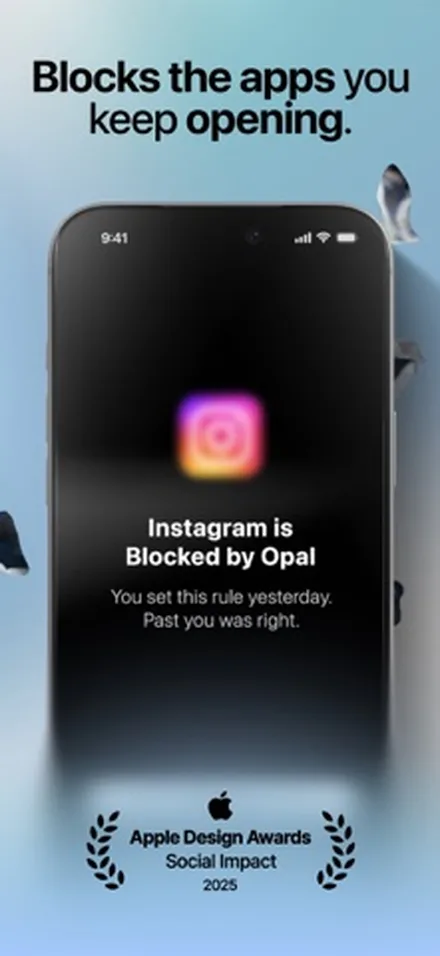
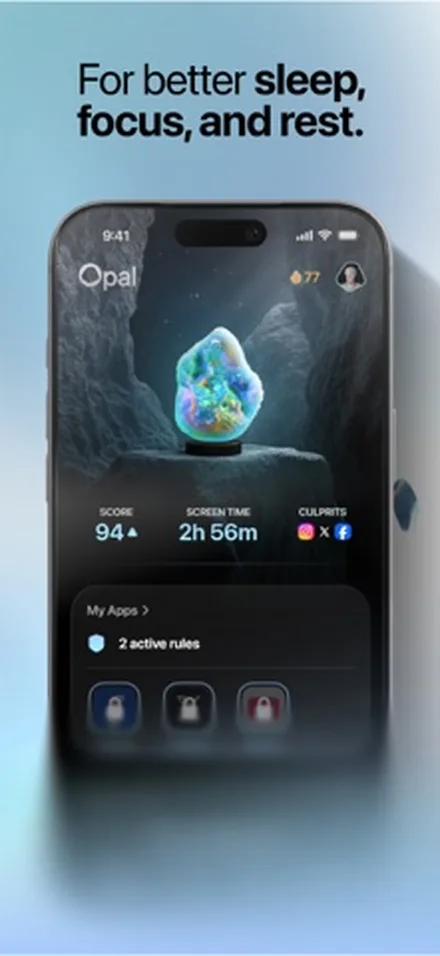
Opal is a polished screen time app for iPhone, Android and Mac. It blocks apps and websites on a schedule, sets daily time limits and open limits, and shows a Focus Score and reports. Its Deep Focus or Hard Mode is built so you can't cancel a session once it starts.
The free plan gives you 3 rules, basic app blocking and today's score. Opal Pro adds unlimited rules, Hard Mode, an "Allow Only" list and your score history. On the US App Store, Pro costs $99.99 a year or $19.99 a month, and Opal's website also lists a $399 lifetime plan.
Why do people look for an Opal alternative?
Opal works for a lot of people. The reasons to switch tend to be the same few:
- Price. $99.99 a year is the highest yearly price on this list. Most alternatives cost about $20 to $40 a year, or nothing.
- No cheap way to pay once. Opal's lifetime plan is $399. Several apps here sell a one-time unlock for $60 to $100.
- Bugs after updates. A feedback summary of App Store and Reddit reviews by OnClarity (November 2026) lists screen time numbers that look wrong, blocks that stay on when they shouldn't, crashes and a busy interface as the main complaints. Opal's own community forum has threads about website blocks coming back on their own.
- It blocks, but doesn't build anything. Opal is about time away from apps. If you want that time to turn into sleep, reading or exercise, you need a second app.
Keep one thing in mind. Opal blocks apps through Apple's Screen Time framework, and so do NoMercy, Jomo and most other iPhone blockers.
Some of the bugs people blame on Opal can come from that framework, and any app built on it can run into them too.
How we picked
We looked for iPhone apps that do at least one thing better than Opal for a clear kind of user: lower price, a one-time purchase, a free tier, stricter blocking or something Opal doesn't do. All six were updated on the App Store in 2026.
We compared them using their App Store listings, in-app prices and official websites on 21 November 2026. We didn't use star ratings, since ours is a new app and that wouldn't be a fair fight.
01
NoMercy Best for blocking plus habits
NoMercy joins a habit tracker and an app lock in one app. You tell it when you wake up, when you sleep and what you want to change, and it suggests a plan of 14, 21, 30 or 66 days.
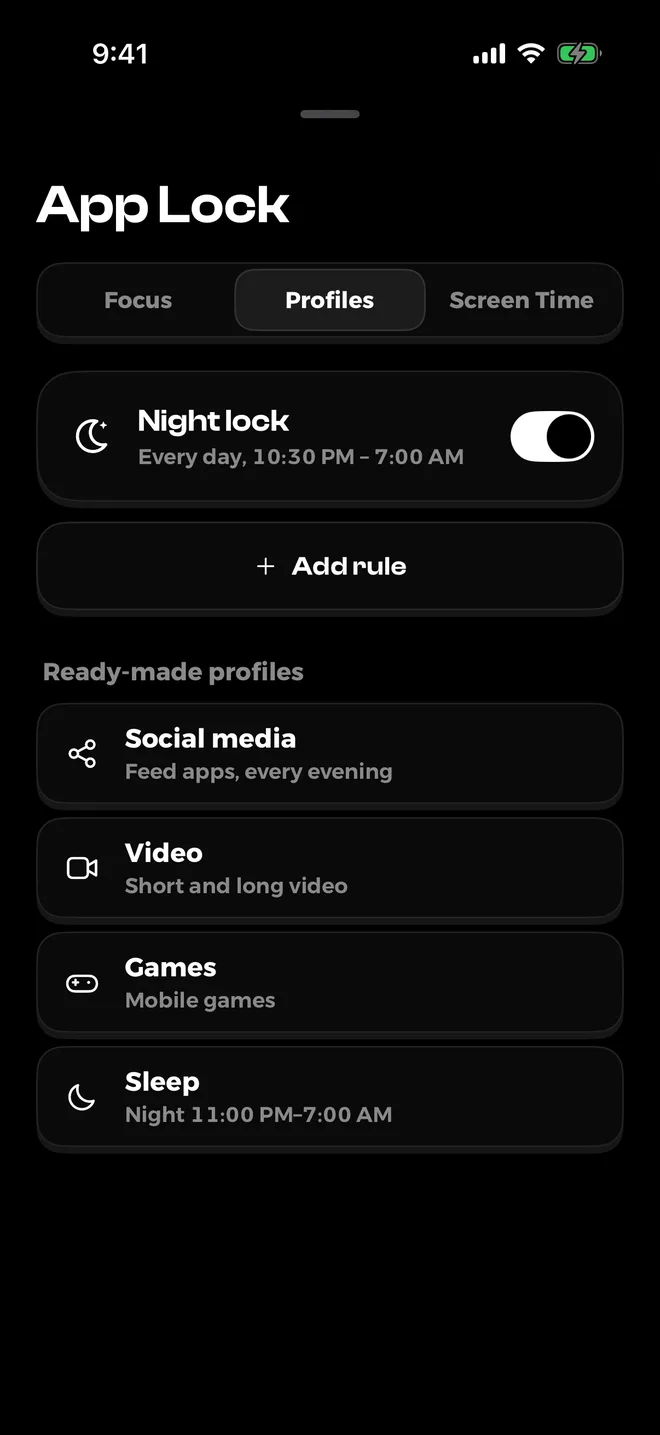
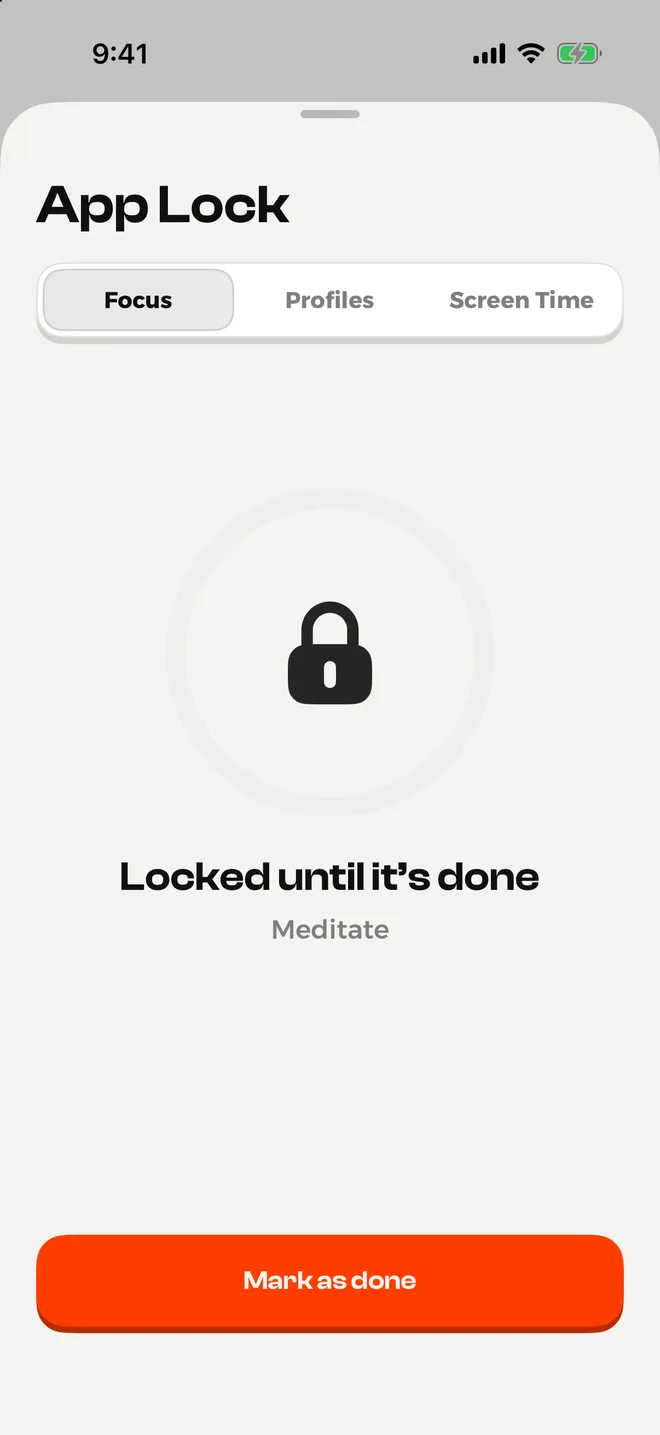
Its App Lock, built on Apple's Screen Time, blocks the apps you pick in four ways: a focus session, scheduled profiles like a night lock, daily limits, and an "Until it's done" lock that keeps apps closed until you finish a habit.
Why an Opal user would switch
- Lower price. Premium is $29.99 a year, against Opal's $99.99. Lifetime is $59.99, against Opal's $399.
- The "Until it's done" lock. Your apps open again when the habit is done, not when a timer runs out.
- Daily limits that get a little tighter each week, so you cut down step by step.
- A strict mode in Premium that won't let you end a lock early, like Opal's Hard Mode.
- Habit plans and forgiving streaks, so the time you win back goes somewhere.
- No account, no ads, no tracking. Your data stays on your phone.
Keep in mind
- Plans, Screen Time limits and the full "Until it's done" lock need Premium. The free version has 3 habits, the night lock, focus sessions and 3 tries of "Until it's done".
- It's iPhone only and needs iOS 18.6 or later. Opal also runs on Android and Mac.
- There's no sync between devices.
- It's a new app with few reviews so far.
Price: free to download. Premium is $3.99 a week, $6.99 a month or $29.99 a year with a free trial, or $59.99 once for lifetime.
See NoMercy on the App Store
02
ScreenZen Best free Opal alternative
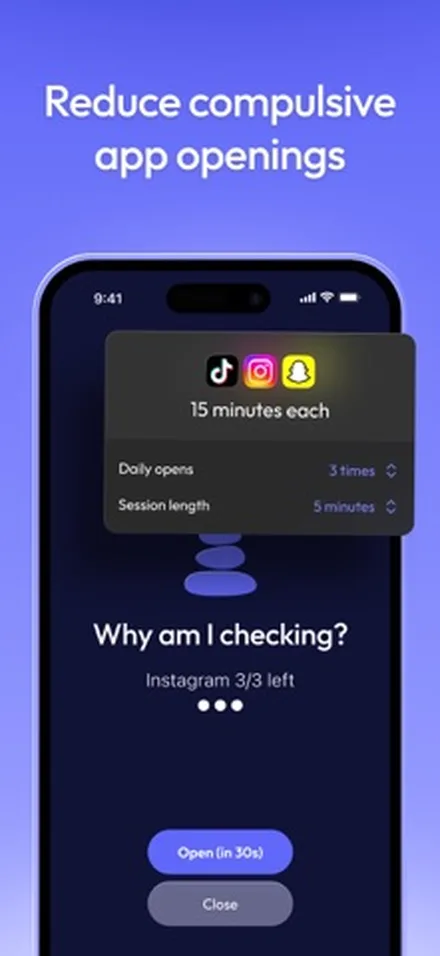
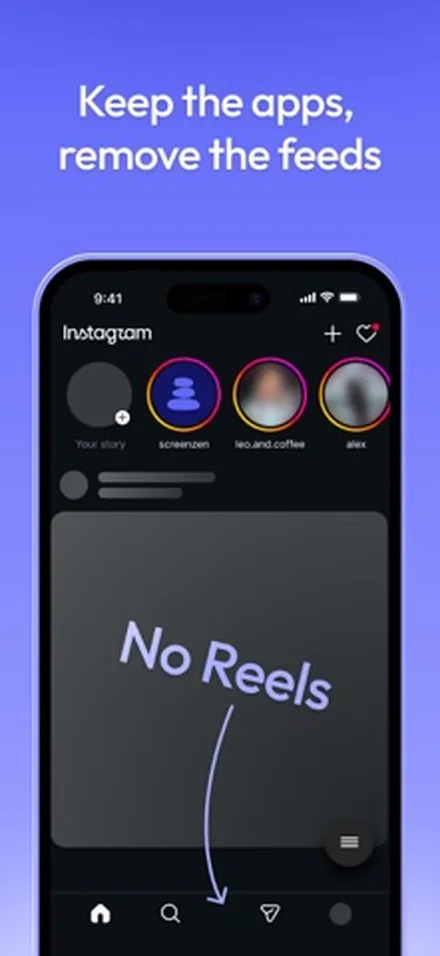
ScreenZen is a screen time app that is completely free and runs on tips. It gives you a wait before a distracting app opens, and that wait can grow each time you open it. It also has goals, scheduled and strict blocks, and short check-in limits so you don't get pulled in.
Why an Opal user would switch
- It costs nothing. The only purchases are optional tips from $5 to $40.
- Strict blocks by time range, after a number of opens, or by screen time.
- A lock on its own settings, so you can't quietly loosen the rules in a weak moment.
- Different rules for different days and times, set per app.
Keep in mind
- It has many settings, so plan a few minutes for setup.
- Its last App Store update was on 6 September 2026, while most apps here updated in November.
- No habit tracking.
Price: free. Optional tips of $5, $10, $20 or $40.
See ScreenZen on the App Store
03
one sec Best for a pause, not a wall
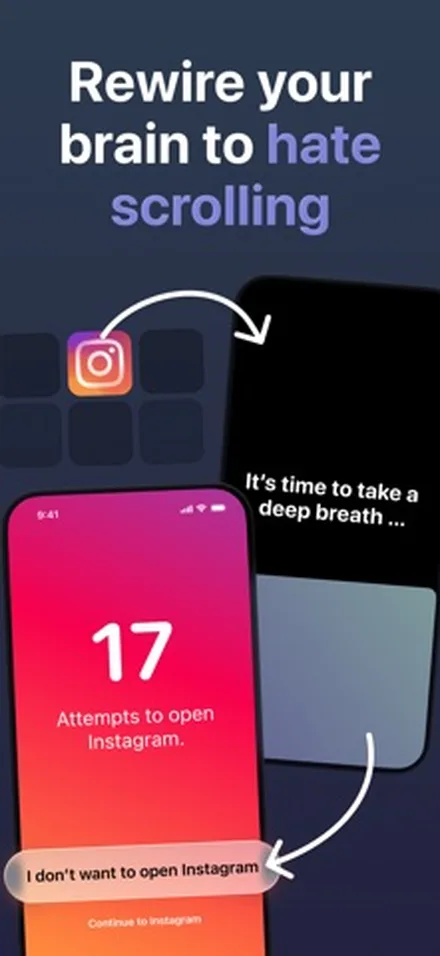
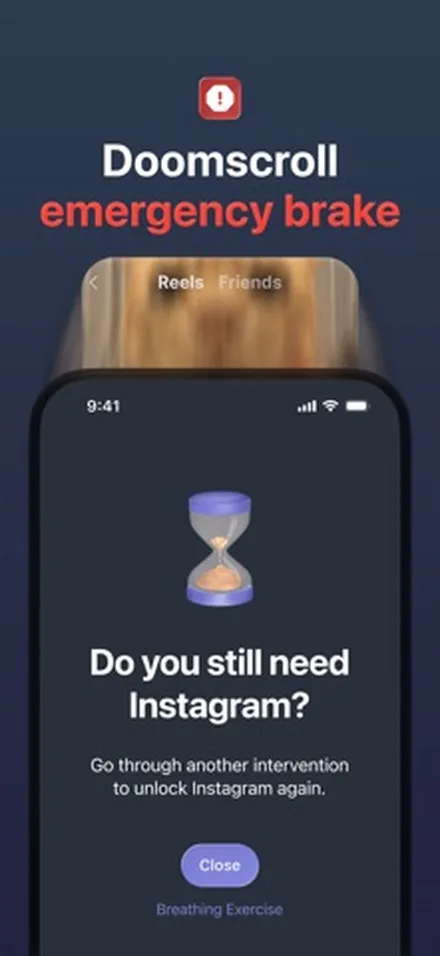
one sec doesn't block apps. It adds a short breathing pause before the apps you pick, then asks if you still want to open them. It runs through an iPhone Shortcuts automation, and a "Re-Intervention" can kick you out after a set time so a quick look doesn't become an hour.
Why an Opal user would switch
- It has peer-reviewed research behind it. In a 2023 PNAS study of 280 users over six weeks, people closed the app again in 36% of their attempts to open it, and actual openings fell 57%.
- A pause feels lighter than a block, so you're less likely to rip it out on a bad day.
- Free for one app, and it works on iOS 15 or later.
- Pro is $19.99 a year, or $99.99 once.
Keep in mind
- It slows you down but doesn't lock you out. If you need a hard stop, pair it with a blocker.
- Setup goes through the Shortcuts app, which takes a few extra minutes.
- The study had no control group, so some of the drop may come from the kind of people who install it.
Price: free for one app. one sec pro is $6.99 a month, $19.99 a year or $99.99 lifetime. Family plans cost $9.99 a month, $29.99 a year or $149 lifetime.
See one sec on the App Store
04
Jomo Best cheaper Opal look-alike
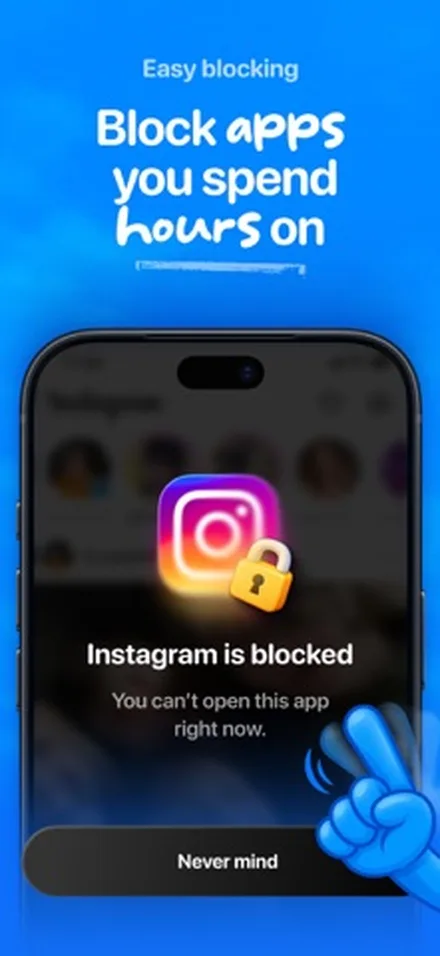
Jomo is the app closest to Opal in how it works. You block apps, websites in any browser, or whole categories like Social Media and Games, on a schedule, after a usage limit, or until you take an action. A block can be locked so you can't turn it off, and it works on iPhone, iPad and Mac.
Why an Opal user would switch
- The same kind of blocking for less: $29.99 a year against $99.99.
- A lifetime unlock for $99.99, a quarter of Opal's $399.
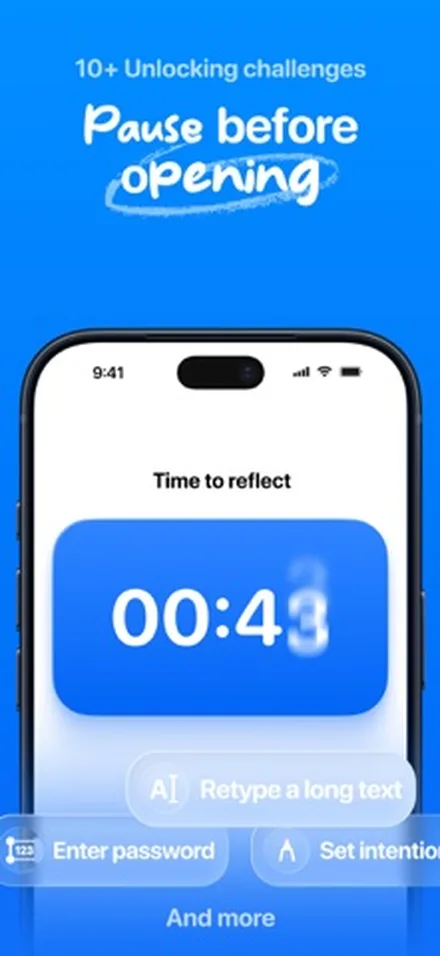
- Unlocking challenges, like waiting or retyping a long text, before a break.
- Locked blocks you can't switch off, like Opal's Hard Mode.
Keep in mind
- It's built for Apple devices only: iPhone, iPad and Mac.
- The free trial is only on the yearly plan, and it's 3 days.
- No habit tracking.
Price: free to download. Jomo Plus is $5.99 a month, $29.99 a year or $99.99 once. Family plans are $11.99 a month or $59.99 a year.
See Jomo on the App Store
05
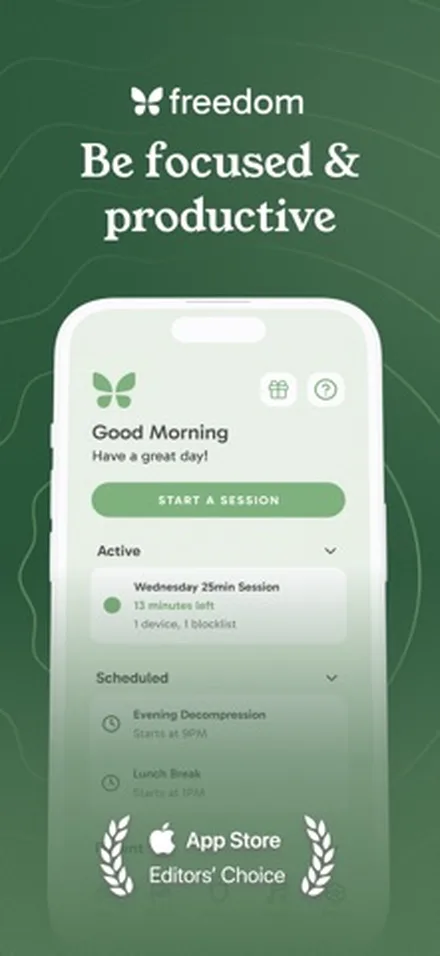
Freedom Best for every device you own
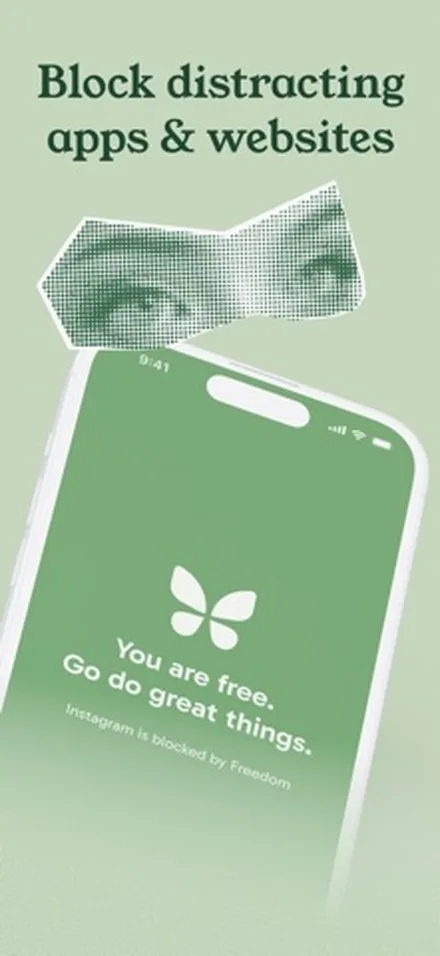
Freedom has blocked distractions on computers for years, and its iPhone app is part of the same system. One account covers unlimited devices: Mac, Windows, iPhone, Android and Chromebook. You can block apps and sites, or the whole internet, and schedule sessions that start on their own.
Why an Opal user would switch
- It covers Windows and Chromebook too, which Opal doesn't.
- One button blocks the whole internet while calls and texts still come through.
- Locked Mode stops you from quitting a session.
- $39.99 a year, less than half of Opal Pro.
Keep in mind
- Locked Mode needs Premium.
- On iPhone, it doesn't support website exceptions, only on desktop.
- It's built for work sessions, with no habits or bedtime routine features.
Price: free to download. Premium is $39.99 a year (7-day free trial) or $8.99 a month on the App Store, which also lists other plans, including Freedom Forever at $199. On 21 November 2026, Freedom's website offered Forever for $99.50.
See Freedom on the App Store
06
Brick Best if you always find a way out
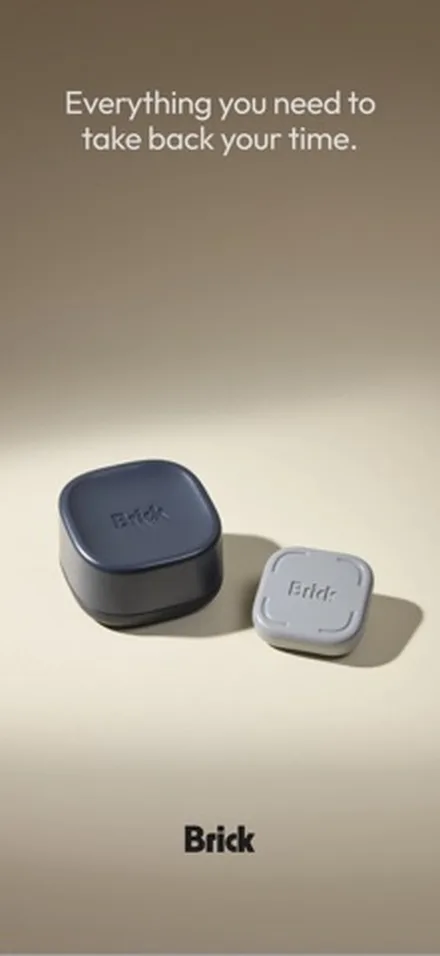
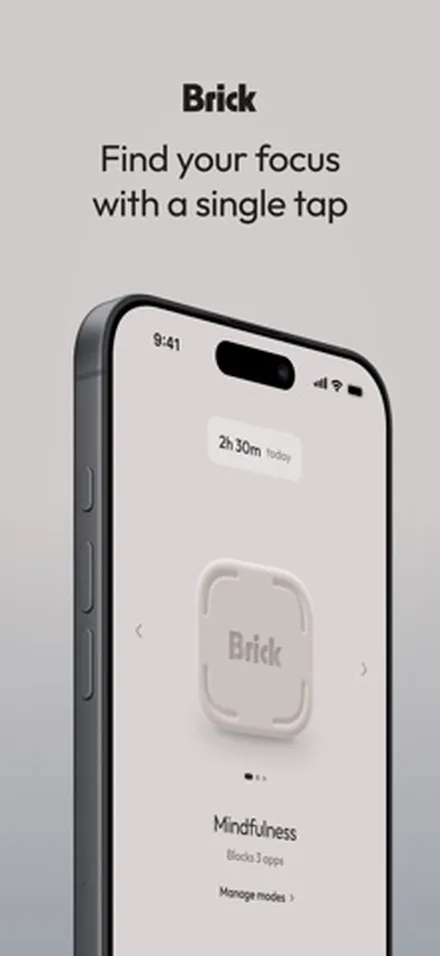
Brick is a small physical device plus a free app. You tap your phone on the Brick to block your chosen apps, put the Brick somewhere else, and tap it again to unblock. Brick Night does the same for your bedroom over Bluetooth, so apps lock when you walk in.
Why an Opal user would switch
- The block isn't on the phone you're trying to put down, so you can't tap your way out.
- You pay once for the device. There's no subscription.
- 5 Emergency Unbricks for real emergencies.
- Modes and schedules for work, family, sleep or the gym.
Keep in mind
- You pay up front and wait for shipping. Shipping is free on orders over $75.
- If you leave the Brick at home, you can't end a session without an emergency unbrick.
- On a budget, the free, open source app Foqos does a similar thing with your own NFC tags or QR codes.
Price: the app is free. The Brick costs $59 and Brick Night $129 on getbrick.com, with a 30-day money-back guarantee.
See Brick on the App StoreOpal vs the alternatives: comparison table
| App | Yearly price | Pay once | Free version | Can't-cancel mode | What it adds over Opal |
|---|---|---|---|---|---|
| Opal | $99.99 | $399 (website) | 3 rules | Hard Mode (Pro) | The baseline |
| NoMercy | $29.99 | $59.99 | 3 habits, night lock, focus sessions | Strict mode (Premium) | Habit plans, "Until it's done" lock, limits that tighten weekly |
| ScreenZen | Free | Free (tips) | Everything | Strict block, settings lock | No cost at all |
| one sec | $19.99 | $99.99 | One app | No (it pauses, not blocks) | A research-backed pause |
| Jomo | $29.99 | $99.99 | Free download, Plus unlocks more | Locked blocks | Same idea for a lower price |
| Freedom | $39.99 | $199 ($99.50 on sale) | Free plan, no Locked Mode | Locked Mode (Premium) | Windows, Android and Chromebook |
| Brick | None | $59 device | App is free, needs the device | Physical tap to end | A block you can't undo on the phone |
Prices are from the US App Store and each app's website on 21 November 2026.
In a six-week field study of 280 one sec users, people closed the app again in 36% of their attempts to open it, and their actual app openings fell by 57%.
Grüning, Riedel and Lorenz-Spreen, PNAS, 2023Our pick: which Opal alternative is right for you?
- You want to pay less but keep strong blocking: NoMercy or Jomo. Both cost $29.99 a year, and both have a mode that won't let you end a block early.
- You want to pay nothing: ScreenZen. If you like a physical tag, try Foqos.
- You want to pay once: NoMercy at $59.99, or Brick at $59 for the device.
- You want your free time to turn into better habits: NoMercy. It's the only app here that ties blocks to habits you finish.
- You want a nudge, not a lock: one sec.
- You work on a Windows PC or Android phone too: Freedom.
- You've already broken out of every app blocker: Brick.
If you're not sure, start with Apple's free tools for a week.
Our guide on how to reduce screen time on iPhone walks through them. For the wider field, see the best app blockers for iPhone. If the real problem is late-night feeds, read how to stop doomscrolling.
Before you switch from Opal
- Cancel the subscription in the right place. If you paid in the iPhone app, cancel it under Settings > your name > Subscriptions. Deleting the app does not cancel it.
- Turn off Opal's blocks first. Some users report blocks that stay on after uninstalling, so end your sessions and rules before you delete the app.
- Write down your rules. List the apps and hours you blocked, so you can rebuild them in the new app in five minutes.
- Use one blocker at a time. Two blockers on the same apps get confusing fast. Give the new app a full week before you judge it.
Whichever app you pick, a calmer Home Screen helps too: TYST turns yours into a quiet page of text. And if habits are part of your reason to cut back, read more about NoMercy.
Sources
- Opal: Screen Time Control, App Store listing and in-app purchases, checked 2026
- Opal pricing, Opal, 2026
- Opal: Screen Time Control customer feedback summary, OnClarity, 2026
- Blocked websites become available by itself, Opal Community forum
- ScreenZen, official website, 2026
- Directing smartphone use through the self-nudge app one sec, Grüning, Riedel and Lorenz-Spreen, PNAS, 2023
- Jomo, official website, 2026
- Freedom Premium pricing, Freedom, 2026
- Brick, official website, 2026
- Foqos source code and README, GitHub, 2026
Questions
Is there a free alternative to Opal?
Yes. ScreenZen is completely free and lives on optional tips. Foqos is free and open source. Apple's own Screen Time is free too. NoMercy, one sec and Jomo have free versions with paid upgrades.
How much does Opal cost in 2026?
Opal is free to download with 3 rules. Opal Pro costs $99.99 a year or $19.99 a month on the US App Store, and Opal's website lists a $399 lifetime plan. Prices checked on 21 November 2026.
Which Opal alternative is the strictest?
Brick is the hardest to get around, because you need to tap a physical device to end a session. Among apps, NoMercy's strict mode, Jomo's locked blocks and Freedom's Locked Mode all stop you from ending a block early.
Is there an Opal alternative with a one-time purchase?
Yes. NoMercy has a $59.99 lifetime option, one sec and Jomo sell lifetime unlocks for $99.99, Freedom sells Freedom Forever, and Brick is a $59 device with no subscription.
Do Opal alternatives work the same way on iPhone?
Mostly. Opal, NoMercy and Jomo say they block apps through Apple's Screen Time framework, and most iPhone blockers work this way. one sec is different: it adds a pause through Shortcuts automations instead of a full block.
Can I use Opal and another app together?
You can, but two blockers on the same apps can be confusing. A common mix is one blocker plus a calmer Home Screen, or one sec's pause on top of a scheduled block.